The useful scanner for a Defender Td5 is one that explicitly supports the Td5 engine and the vehicle systems you actually have. Nanocom’s Defender Td5 kit is the clearest documented specialist route in this comparison. iCarsoft LR V3.0 also has a manufacturer-listed Td5 engine reading entry, making it a handheld candidate for a confirmed task rather than an automatic substitute for every Nanocom function.
Which vehicles this guide covers
This guide covers the original Defender with the 2.5-litre Td5 diesel. It excludes earlier Tdi vehicles, engine conversions requiring individual assessment, the later 2.4/2.2 Puma diesels and the modern L663 Defender. Blackbox Solutions groups Defender Td5 coverage as 1998–2006; actual build and ECU identification take precedence over a registration date.
Body style and equipment matter. Do not assume every Td5 Defender has ABS, or that a Discovery 2 software bundle covers all Defender systems. Modified vehicles should be described honestly to the tool supplier, including engine/controller changes; the badge on the body is not sufficient identification.
Match the scanner to the question
| Owner question | Information to seek | What it does not establish |
|---|---|---|
| Starting or running problem | Explicit Td5 engine fault and live-data access | A successful scan does not prove the mechanical or power-supply condition. |
| ABS warning on an equipped vehicle | Confirmed fitted Wabco ABS coverage | Not every Defender has this system. |
| Buying a used Nanocom | Unit ID, existing software unlocks and correct lead | A cable alone does not add licensed coverage. |
| Wanting a simple handheld | Exact LR V3.0 Td5 reading functions | Large reset counts do not establish useful access. |
Amazon affiliate link. As an Amazon Associate I earn from qualifying purchases – check compatibility thoroughly before purchases.
Why an OBD socket is not enough
Treat “fits a 16-pin OBD socket” and “reads a Defender Td5 engine ECU” as separate claims. Buy from explicit manufacturer-aware coverage, rather than assuming generic EOBD operation across this early diesel. Even a successful generic connection would not establish access to fitted ABS or other separate controllers.
What owners ask before buying
A Defender Td5 reader discussion starts with a 2000 vehicle that had stood for several years and an owner asking about diagnostic tools and licensing. That is a useful buying problem: establish what the reader can communicate with before treating a scan as a diagnosis. The thread is an owner account, not evidence that a particular component has failed.
For a starting concern, a supported engine report and relevant inputs can help a suitably equipped person investigate. A scanner does not replace assessment of wiring, fuel delivery or mechanical condition. Avoid turning a catalogue’s programming features into a proposed cure for a vehicle that will not start.
Nanocom NCOM01: the Defender-specific bundle
The official Nanocom catalogue lists NCOM01 for Defender Td5. Its kit combines NCOM11 Td5 engine support with NCOM12 Defender systems and the supplied connection equipment. Documented engine capabilities include faults and live data; they are the useful starting point for this guide.
The manufacturer describes Wabco ABS fault reading and inputs in the Defender package, relevant only where that equipment is fitted. The Td5 engine pack is also used in the Discovery II kit, but the vehicle-system packs differ. Buying the correct Defender kit helps avoid confusing a shared engine with identical whole-vehicle coverage.
iCarsoft LR V3.0: a confirmed reading job first
In iCarsoft’s current lookup, select LR V3.0 → LANDROVER → Defender → 1997–2006 → Base. The LUCAS TD5 EMS entry explicitly lists fault-code reading, fault-memory clearing and live data. That is stronger evidence for a reading shortlist than a generic claim to support Land Rover.
The Base group also contains other engines and equipment. It does not establish that all Defenders have every listed system or that a specific ABS module will expose the same inputs. Confirm the required controller and task for your build, and compare that answer with the Nanocom package before ordering.
Which buying route makes sense?
Start with Nanocom NCOM01 for a dedicated Defender Td5 ownership tool. Shortlist LR V3.0 where the supplier confirms the exact reading task and a standalone handheld suits you. The affiliate panel leads to an iCarsoft search; Nanocom must be sourced separately. Do not use these recommendations to infer support for engine mapping or vehicle-security work.
Hardware, updates and licences
The Nanocom licence guide ties unlocks to the Nanocom unit ID rather than a vehicle VIN. The correct new vehicle kit includes its initial software unlocks; do not pay twice for an engine pack already present. The appropriate connection lead and the relevant software packs are separate requirements. Check both, and ask about registration or ownership transfer for a used unit. A lead alone does not add software coverage. Confirm the current firmware-update workflow and supplied equipment; for iCarsoft, check genuine hardware, serial-specific updates and the supported computer or card-reader arrangement.
Love cool cars? Join Unusual Cars Club FREE!
Get forgotten motoring finds, stories, helpful car content and more.
Free to join. No spam. Unsubscribe whenever you like. See our privacy policy.
Keep the first report useful
Save the original report before clearing anything. Record the private VIN/build identification, engine, gearbox, fitted equipment, exact warning wording, symptoms, recent repairs and tool/software version. Keep the controller name, full code including suffix, status, description and any available freeze-frame or live-data context. Distinguish a controller reporting no faults from one that did not communicate, and identify systems the tool did not access. A code is evidence for investigation, rather than a parts order; clearing it does not repair the cause.
What this guide does not promise
Reading faults, clearing faults, viewing data, running a service routine, commanding an active test and programming a module are different capabilities. This guide guarantees none of the latter functions. It contains no immobiliser, key-programming, security-access, brake-repair, suspension-calibration or forced-regeneration instructions. Symptoms affecting braking, steering, suspension or drive control need appropriate professional assessment. A scanner cannot certify mechanical engine or gearbox condition.
Frequently asked questions
Does the Puma Defender scanner guide apply?
No. Td5 and Puma vehicles need their own engine and controller coverage checks. Use the actual engine rather than the Defender name alone.
Is Nanocom licensed to one Defender VIN?
The manufacturer ties software unlocks to the Nanocom unit ID, not a vehicle VIN. The supported software packs and appropriate lead must still be present.
Do I need ABS support?
Only if your vehicle has ABS and it is part of the question you need answered. Verify the installed system and tool support rather than assuming universal fitment.
Related diagnostic guides
Browse the Land Rover and Range Rover diagnostic scanner guides for the published manufacturer directory, or the complete car diagnostic scanner directory for other makes.
Sources and review
Documentary review: 1 November 2026. Unusual Cars has not independently tested these vehicles, scanners or functions. Owner reports establish questions and experiences, not failure rates, confirmed causes or universal compatibility. Exact functions vary by vehicle build, fitted module, software, interface and tool version. Product support and the final seller listing should be rechecked before publication.
Manufacturer sources: Nanocom vehicle kits and technical details, Nanocom software licence guide, iCarsoft vehicle/function lookup. Selections were checked for the scope described above. Mixed catalogue groups are not a list of equipment fitted to an individual vehicle. Owner sources are linked beside the questions they illustrate.
Amazon affiliate link. As an Amazon Associate I earn from qualifying purchases – check compatibility thoroughly before purchases.
Featured photograph credit
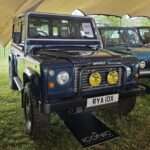
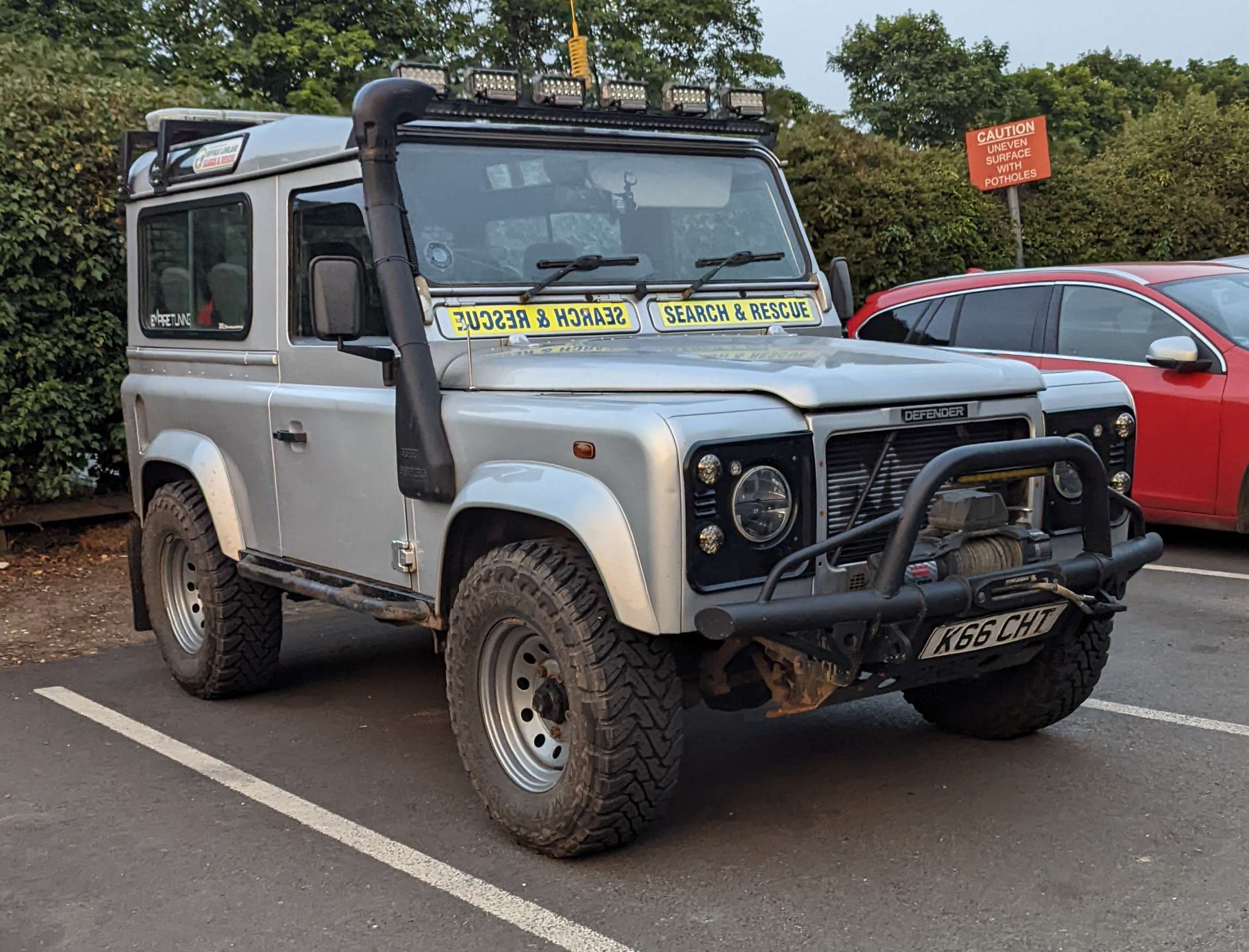
2006 Land Rover Defender 90 TD5 Country — Calreyn88, via Wikimedia Commons (CC BY-SA 4.0). Resized and optimised for display; no content changes. Photograph remains under CC BY-SA 4.0. Representative Defender Td5 photograph; equipment and scanner coverage must be checked separately.