Affiliate notice: This guide contains affiliate links. As an Amazon Associate I earn from qualifying purchases.
A Renault-aware reader is worth considering for a Vel Satis when the question concerns its parking brake, automatic gearbox, airbags or body electronics. Choose one with confirmed access to the actual controller. A basic EOBD reader remains useful for supported engine-emissions information, but it does not provide a complete explanation of those other warnings.
For the 2.0 Turbo and 3.5 V6, the key purchase decision is the system you need to read and the version of the car you own. A menu bearing the Vel Satis name does not establish every phase, fitted option or service operation. A targeted specialist report may be the better choice for an occasional problem.
Early UK petrol Vel Satis: the scope
UK-market right-hand-drive, early-phase X73 Vel Satis five-door petrol cars: 2.0 Turbo or 3.5 V6. Identify actual build, engine, manual/automatic gearbox and fitted equipment. Later registration does not establish facelift specification. Excludes diesels, overseas facelift/Phase 2 specification, imports and materially modified control systems; related-platform reports are labelled separately.
Renault’s 2002 launch dossier documents the 2.0 Turbo and 3.5 V6 petrol context and the electronic parking brake. The later French manufacturer brochure is useful background, but its facelift outputs and equipment must not be treated as a UK early-phase specification sheet. Check the car itself and its original documentation before enquiring about a tool.
| Symptom or question | Controller information to request | Limit |
|---|---|---|
| Engine-emissions warning | Supported generic EOBD report | Does not constitute a parking-brake scan. |
| Parking-brake warning | Exact parking-brake controller report | No assumption of repair, release or service-mode support. |
| Automatic shifting concern | Fitted gearbox controller identification and faults | Not established by a manual-car entry. |
| Airbag, body or fitted tyre-pressure warning | Confirmed access to the relevant system | Availability differs with equipment and database. |
Why “no engine codes” may not resolve a parking-brake warning
The diagnostic socket is shared by different scan routes. Generic EOBD reporting and Renault-specific controller reporting answer different questions. If a warning is associated with the parking brake, an empty generic result only establishes that no supported faults were reported through that particular scan.
In a Vel Satis owner discussion, a later Phase 2 manual-car owner reported a parking-brake warning that did not appear in their EOBD Facile reading. That car is outside this UK early-petrol scope, so it is related-platform question evidence rather than a proven fault pattern for UK cars. The useful distinction is the scan’s coverage, not a claim that every similar warning has one cause.
Electronic parking-brake diagnostics and repair are different tasks
Ask whether the selected reader can identify the fitted parking-brake controller, retrieve its complete fault descriptions and show current/stored status where supported. Confirm any particular data item separately. The presence of a parking-brake menu is useful, but does not establish cable-force values, switch states or every other parameter.
Keep the exact dashboard message and recent-work history with the report. Do not turn an owner’s suggested battery, switch or cable explanation into the diagnosis for your car. An electrical report and a physical inspection can contribute different evidence; neither should be replaced by repeatedly clearing warnings.
Brake-pad service mode, calibration, emergency release and component commands require their own support and procedures. This buying guide does not provide them. A scanner connection is not evidence that the car is safe to move or that a parking brake can be released without assessment.
What the FR V2 list supports on Vel Satis
The iCarsoft Renault reference has separate Vel Satis and Vel Satis PH2 entries. Listed systems include transmission, ABS, airbags, UCH body electronics and parking brake, with further equipment-dependent systems. That separation is a reason to identify the phase before accepting a coverage answer.
The list’s code-reading and live-data marks are a starting point for a current enquiry. They do not promise every parameter, every controller revision or every service function. In particular, a tyre-pressure entry is not proof of sensor programming, and a UCH entry is not proof of every door or window command.
Automatic transmission: keep the original gearbox in the enquiry
If your car is automatic, ask for exact gearbox-controller reporting on the petrol build you own. Some transmission-related codes may also appear in generic emissions reporting, but that route does not establish a full gearbox scan. A tool should be assessed on the information it can add to the actual symptom.
Record whether the complaint involves a displayed warning, a selection problem, a noise or a change in shifting behaviour. Those are different observations. Preserve the full report, including any supported status and context, before decisions about mechanical inspection or further electrical investigation. Neither a code nor an empty scan establishes the internal condition of the gearbox.
Body electronics and options: ask a specific question
A body-system complaint can be very different from an engine warning. Describe the failed function and ask which fitted controller the reader can actually interrogate. Do not assume the same hardware sits behind every trim, phase or overseas specification.
For fitted tyre-pressure monitoring or parking assistance, distinguish fault reading from programming, learning or commanding components. If the purchase is intended to answer one such question, get that task confirmed by name. General “all systems” marketing is too broad to settle it.
Legitimate CLIP and the current Euro5 offer
Renault’s January 2026 applicability list identifies X73 Vel Satis/Phase 2 with CLIP BORNEO2, while marking the family NO in the EURO5 column. This is important: a historical factory-tool association does not establish that a current Euro5 purchase gives access to this older application.
Before buying an interface or software access, ask a Renault specialist to confirm a legitimate arrangement that supports your exact legacy car. Renault’s current Euro5 prerequisites describe particular Windows and interface requirements for that contemporary offer; they are not a complete verified installation recipe for an early Vel Satis. Do not infer equivalence from a J2534 label or copied software advertisement.
Which setup suits the Vel Satis owner?
| Option | Hardware and update route | Selection reason |
|---|---|---|
| Compatible generic reader | Standalone, for example an AL519-type unit | Suitable when supported engine-emissions information is sufficient. |
| Renault-aware handheld, such as FR V2.0 | Standalone operation; exact PC/updater or card-reader package must be checked | Useful for repeat access to specifically confirmed Vel Satis controllers. |
| Enhanced multibrand reader | Exact hardware variant, database and update terms matter | Consider for several cars only after verifying this car’s required systems. |
| Renault specialist | Specialist supplies suitable legacy diagnostic arrangement | Useful for a one-off parking-brake, gearbox or communication investigation. |
The FR V2.0 manufacturer page describes free software updates, but an exact package check still matters. Use the serial-specific update route to confirm the required computer and connection method. Product names, hardware generations and marketplace descriptions are not interchangeable.
For alternatives, compare the Autel generic-reader manual with the MD808/MD808 Pro documentation. These illustrate different diagnostic scopes; they do not establish every Vel Satis controller. Ask for exact variant coverage and any ongoing software cost before treating a more expensive option as an upgrade.
A useful pre-purchase coverage request
Give the supplier the original build, petrol engine, transmission and phase, then state the controller and task: for example, reading parking-brake fault codes and available status on an early UK Vel Satis. Ask which current software package supplies that access, and how unsupported functions or communication failures are handled.
For a specialist appointment, supply the warning wording, when it appears, recent work and any existing scan report. A fitted controller that does not communicate needs separating from an unsupported tool menu or equipment that was never fitted. Preserve the original evidence before clearing; do not replace diagnosis with a parts list.
Love cool cars? Join Unusual Cars Club FREE!
Get forgotten motoring finds, stories, helpful car content and more.
Free to join. No spam. Unsubscribe whenever you like. See our privacy policy.
Vel Satis scanner questions
Does a parking-brake code mean the complete unit needs replacing?
No. A code records a detected condition within the controller’s diagnostic logic. Assessment must establish the cause. This article gives no single-part diagnosis, release method or brake-service procedure.
Can I use advice from a later European Phase 2 car?
It can suggest a question to investigate, but it cannot establish early UK petrol hardware, the cause of your warning or scanner compatibility. Keep those evidence boundaries visible.
Is FR V3.0 automatically better for this car?
Only if its exact supported functions solve a useful task that your alternative cannot. More reset or active-test features are not a substitute for verified reading access to your controller.
Related Vel Satis and Renault guides
Read the Vel Satis history and buying guide for broader ownership context; this scanner article covers the petrol diagnostic selection question. Our Laguna Coupé diagnostic guide addresses a different Renault application. Find other models in the Renault scanner hub or main diagnostic directory.
Compare related Renault guides: Avantime 2.0 Turbo / 3.0 V6 · Espace IV / Grand Espace 2.0 Turbo / 3.5 V6.
Sources and limitations
Research reviewed: 15 October 2026. This guide uses documentary research; Unusual Cars has not independently tested the vehicle, scanner or functions. Owner discussions identify questions and reported experiences, not fault rates, verified causes or universal compatibility. Exact functions vary by vehicle build, module, software, interface and tool version.
Check the current iCarsoft coverage route for the exact reading task. Manufacturer documentation and model-specific owner discussions are linked beside the relevant claims. A coverage-list entry does not promise coding, programming, calibration, active tests or security functions.
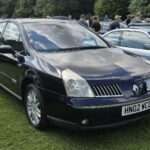
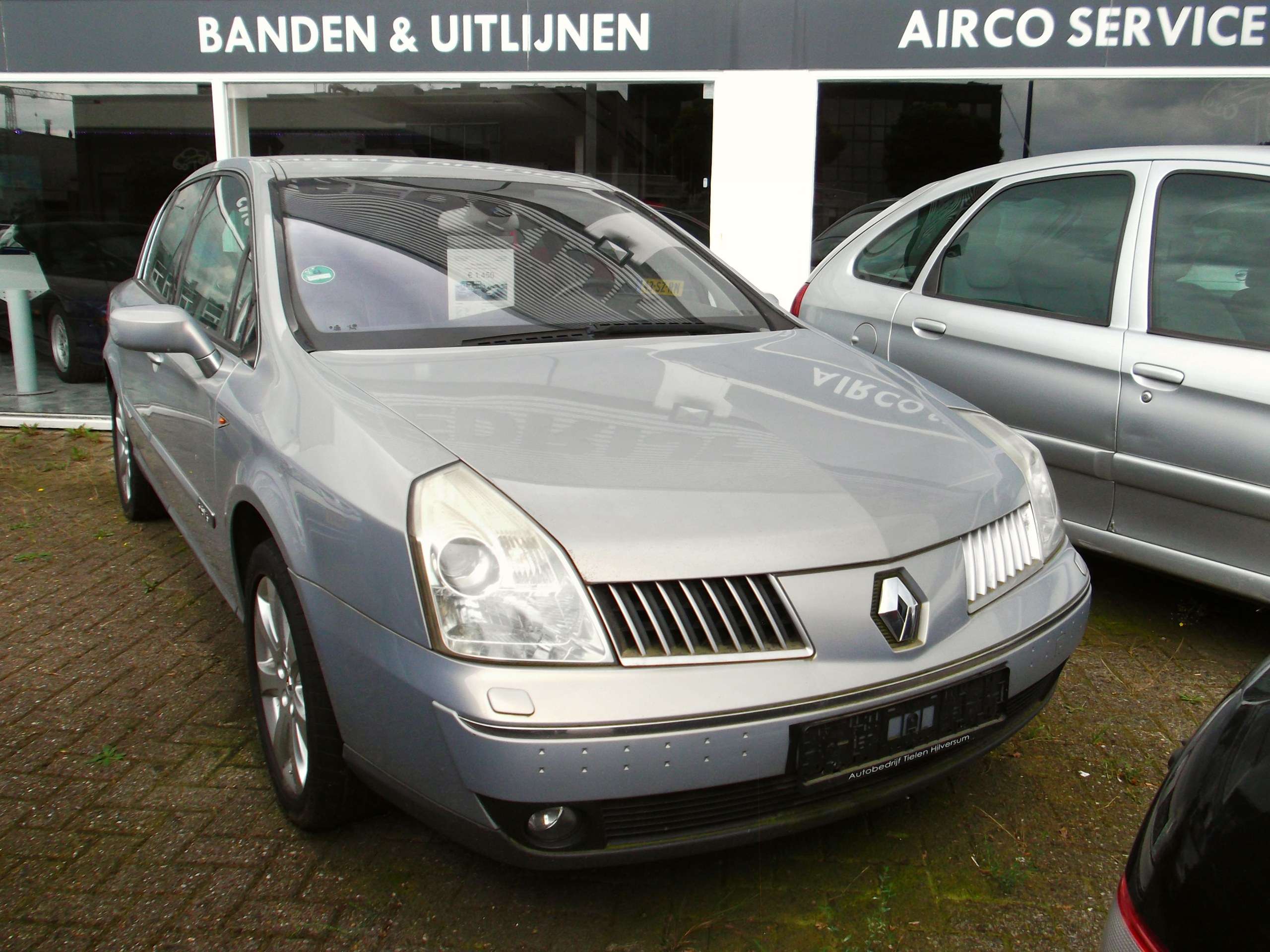
Photo: Dennis Elzinga / Wikimedia Commons — CC BY 2.0. Original scene retained; resized for display.